Photo studio · Boo crew
Halloween Photo Booth Gift for Friends
Some memories deserve a little afterlife.
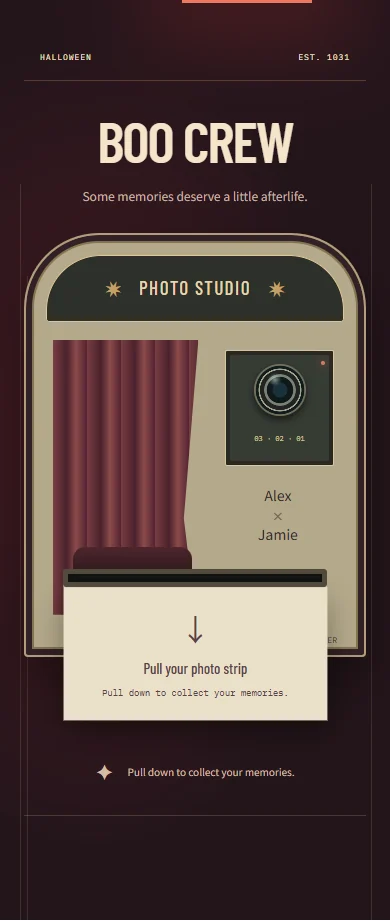
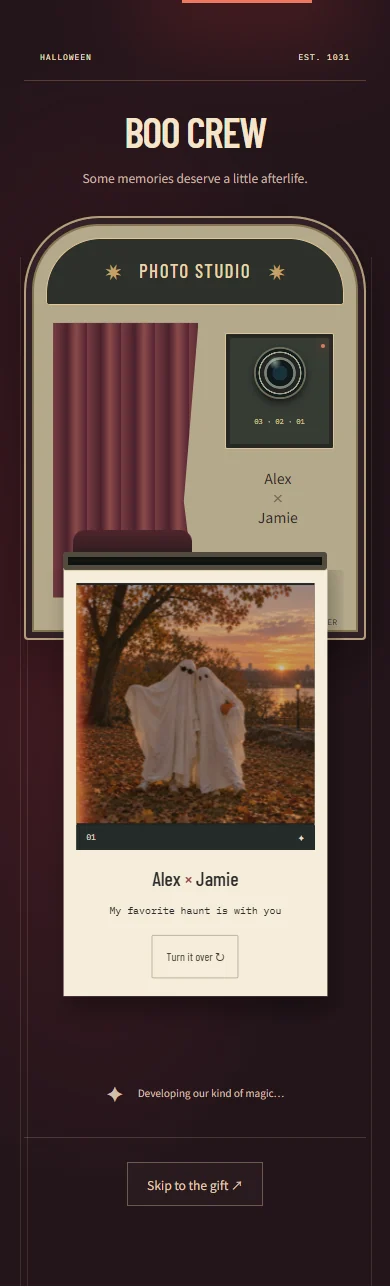
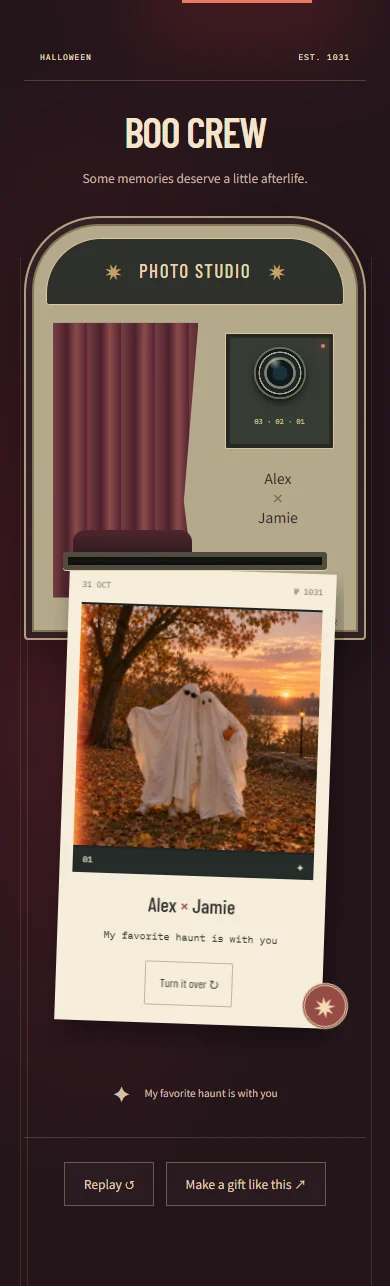
Here is to the kind of friendship that survives every awkward photo. Same ghosts, same crew, every year.
A Halloween gift with a story
A Halloween photo booth gift for your Boo crew
Turn three favorite photos into an interactive Halloween photo strip. Boo crew gives your memories a little photo-booth ritual: pull out the strip, look through the pictures, then turn it over to discover your note and hidden stickers. It is a Halloween photo gift made from moments you already have, whether they show matching costumes, an old party, or a perfectly ordinary day together.
Who to make it for
Make it for your best friend, a close friend group, or your partner. Pick three photos that tell a small story rather than three nearly identical shots: getting ready, the costume reveal, and the blurry picture you still laugh about.
How to make and send your Halloween surprise
- Choose three photos and place them in the order you want them to appear on the strip.
- Add your names and a note for the back. Try pulling out and turning over the strip in the preview.
- Sign in to upload and save your photos, publish the gift, and send the link to the people in your Boo crew.
Halloween message ideas to make your own
Start with one of these notes, then add a name, an inside joke, or a plan that belongs to the two of you.
Three photos. Several questionable costume decisions. One friendship I would choose in every haunted house.
Our costumes change every year. My favorite person to get ready, get lost, and take terrible photos with stays the same.
Before you send it
- Does this Halloween photo booth take new pictures?
- You upload three existing photos to make the strip. It is a digital photo gift, rather than a camera booth, live camera filter, or AI ghost-photo generator.
- Do the photos have to show Halloween costumes?
- No. Costume photos fit the theme, but everyday pictures work too. Use three memories that mean something to your recipient, then connect them with your Halloween note. The finished experience is shared online rather than delivered as a printable strip.
- Is making a Halloween card free?
- You can try the preview and edit the text before paying. Sign in to upload photos, save a draft, or publish. Publishing a new card requires a paid single-card unlock or publishing credits; the pricing page explains both options.
- How does the recipient open the gift?
- Publish your finished card, copy its link, and send it by text, email, or your usual chat app. The recipient opens it in a browser without an account or app installation. Anyone with the link can view it, so share it with care.