The midnight exchange · The haunted hotline
Haunted Hotline: A Halloween Surprise
A tiny web mystery. A message just for you.
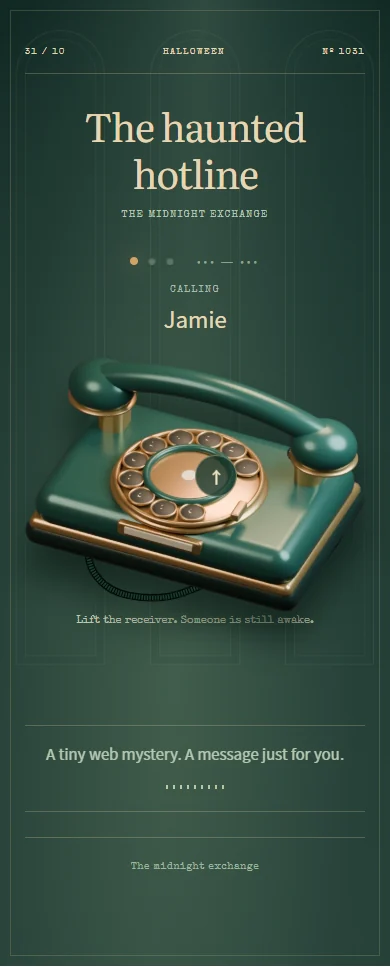
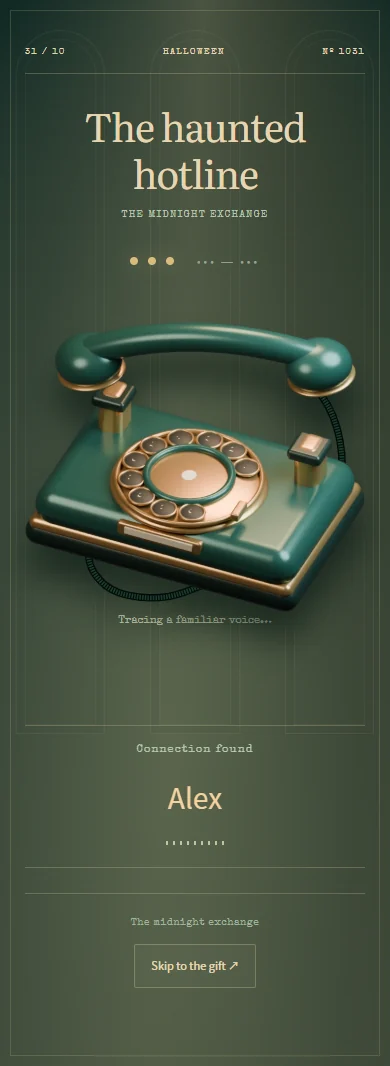
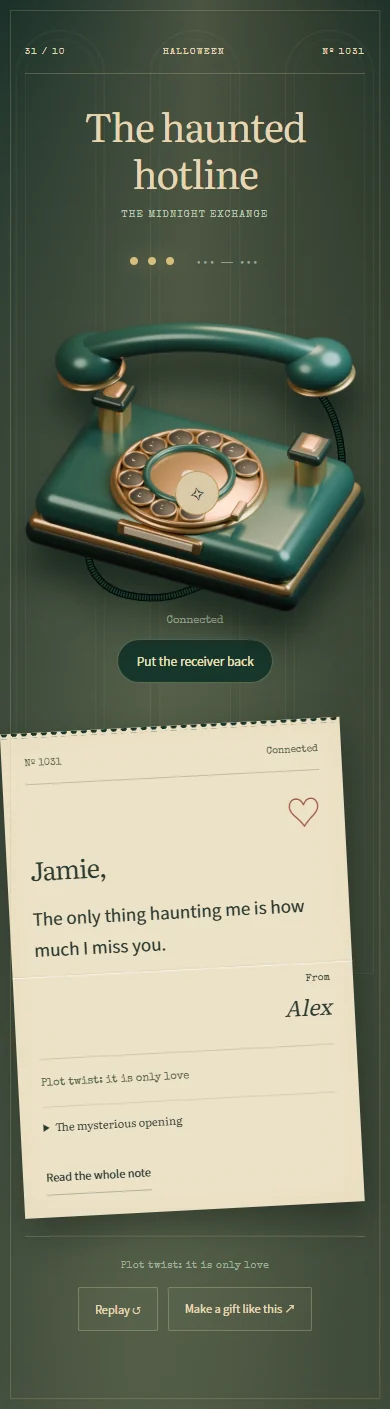
The only thing haunting me is how much I miss you.
A Halloween gift with a story
An interactive Halloween surprise with a mystery message
Send a Halloween surprise that begins with a ringing telephone and ends with someone feeling remembered. In The haunted hotline, your recipient lifts a virtual receiver, follows a short mystery, and discovers your personal letter. You choose the mysterious opening and the words at the other end, turning a spooky setup into a warm reveal.
Who to make it for
Send it to a partner you miss, a best friend who likes a plot twist, or someone who would appreciate an unexpected Halloween message. Keep the opening intriguing and the ending unmistakably yours: a shared memory, an invitation to catch up, or one honest sentence.
How to make and send your Halloween surprise
- Add your name and theirs so the letter at the end is addressed to the right person.
- Write the mysterious opening, then your real message. Preview the receiver interaction and the letter together.
- Save and publish the surprise, then send its link when they have a moment to explore the mystery.
Halloween message ideas to make your own
Start with one of these notes, then add a name, an inside joke, or a plan that belongs to the two of you.
A familiar voice has been trying to reach you. Its very serious message: I miss you, and our next late-night catch-up is overdue.
The only thing haunting me is how long it has been since we laughed until midnight. Same time, same us, soon?
Before you send it
- Will Haunted Hotline make a real phone call?
- No. The phone is part of the browser experience. It does not dial a number, send an SMS, record a voice message, or connect a live call. Your personal reveal is a written letter.
- How can I make the Halloween mystery feel personal?
- Hint at a memory only the two of you share, then reveal who is writing and why. Avoid an opening that could be mistaken for a real threat or emergency. Try the complete preview before sending it to your recipient.
- Is making a Halloween card free?
- You can try the preview and edit the text before paying. Sign in to upload photos, save a draft, or publish. Publishing a new card requires a paid single-card unlock or publishing credits; the pricing page explains both options.
- How does the recipient open the gift?
- Publish your finished card, copy its link, and send it by text, email, or your usual chat app. The recipient opens it in a browser without an account or app installation. Anyone with the link can view it, so share it with care.